Creating a landlord declaration in emlinked
With this feature you create a landlord declaration based on the details of a lease agreement. You can create the declaration from the list of lease agreements or from within a lease agreement.
Please note: the template is imported per environment. Would you like to use the landlord declaration? Let us know and we will set up the template for your environment.
Step 1: Apply the Word template
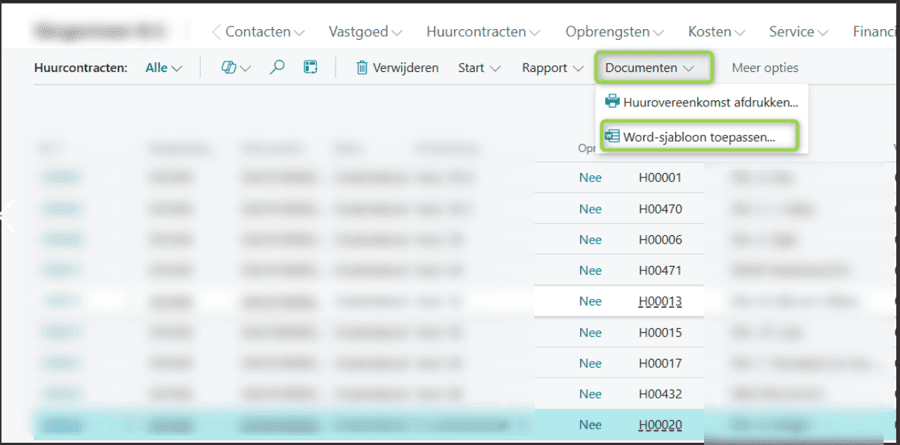
In the Lease Agreements list, select the lease agreement, or open the lease agreement itself. Then click Documents > Apply Word Template… at the top. The screenshots below show the Dutch interface.
Step 2: Choose the template
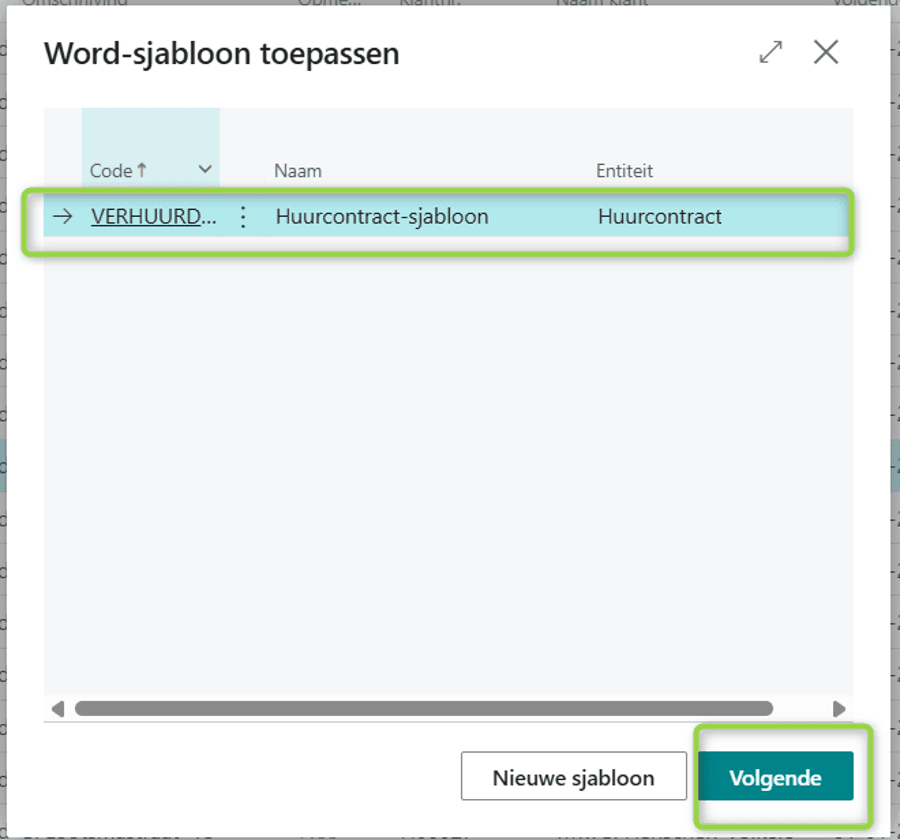
The Apply Word Template window opens. Select the landlord declaration template (entity Lease Agreement) and click Next.
Step 3: Choose the document format and finish
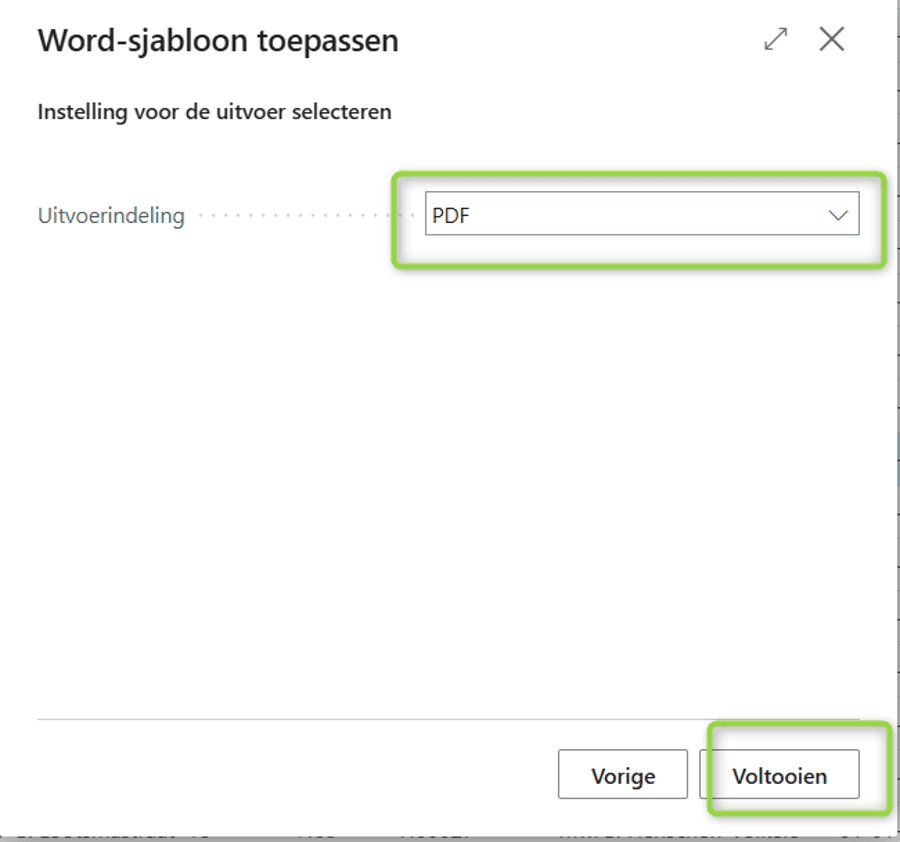
Under Output Format, choose the format you need, for example PDF, and click Finish. The document is downloaded to your computer.